Follow your database.
For PostgreSQL, MySQL and SQL Server, expand from database to schema, table and column. Metadata loads on demand; filtering and refresh help you find your way.
MEET YOUR NEW WORKSPACE
A clearer place for your queries, connections and ideas. Take a look around the redesigned SQL Ocean app.
01 / A CLEARER EVERYDAY VIEW
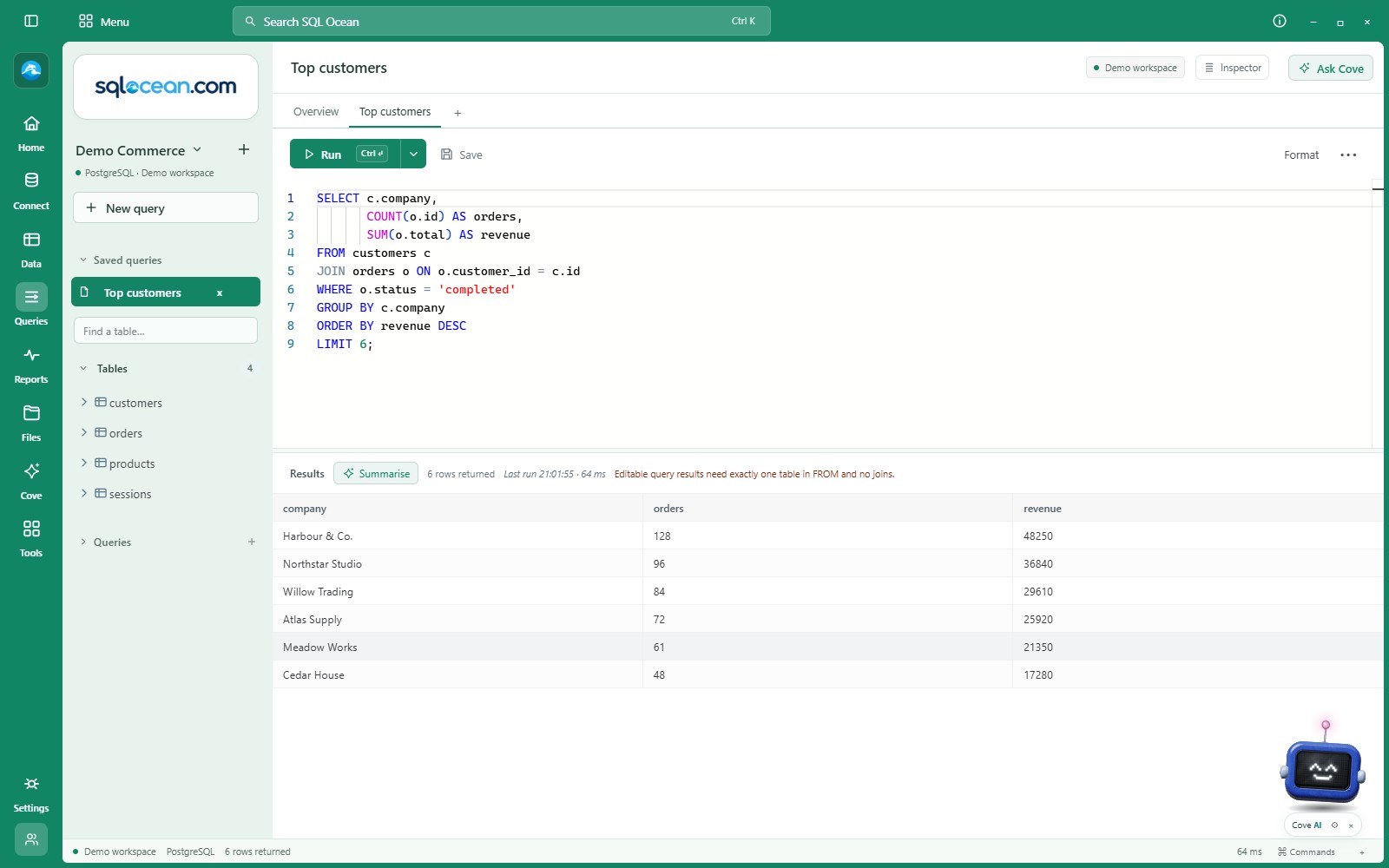
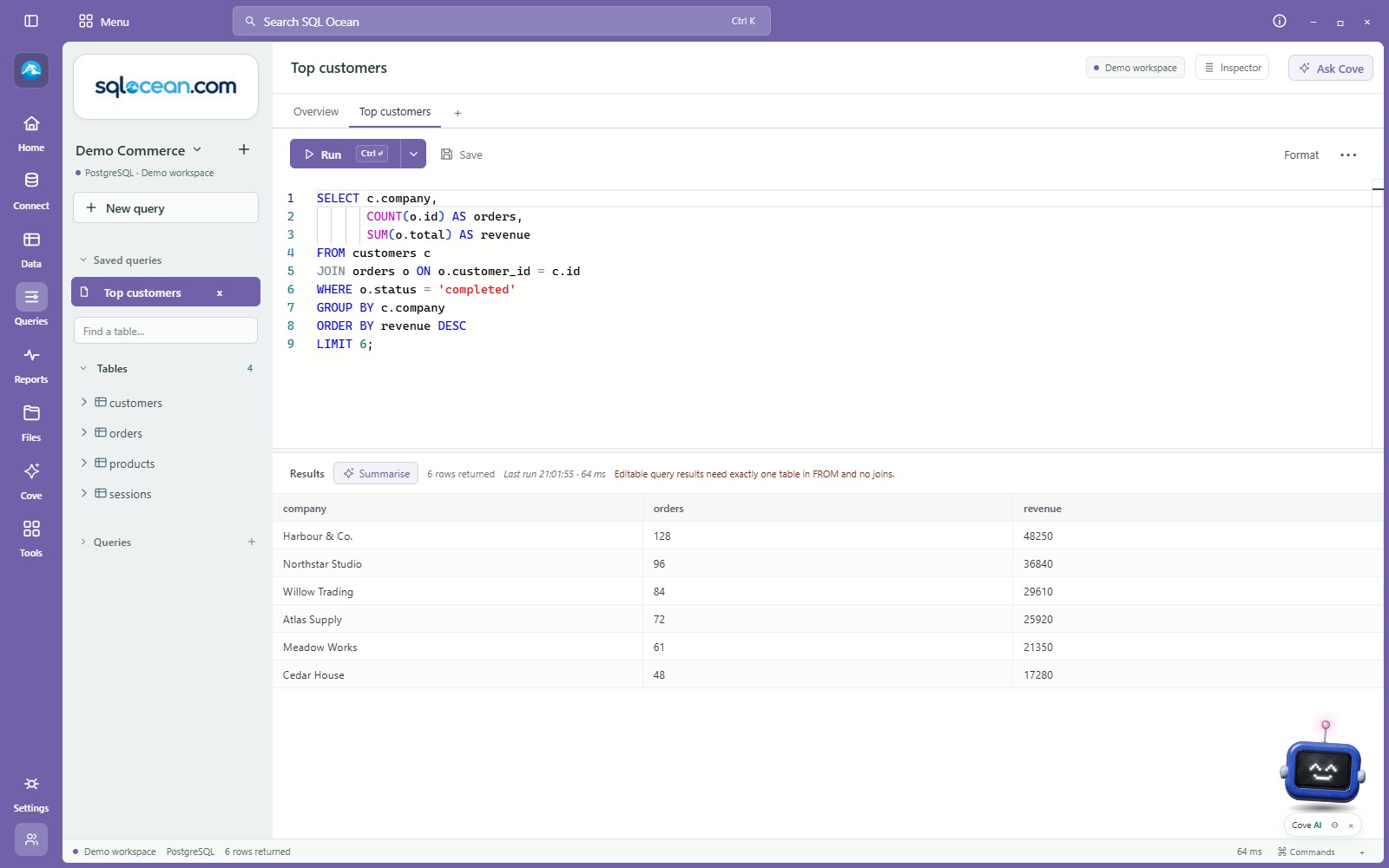
Move between data, queries, reports and files from the labelled icon rail. Keep saved queries and tables in the connection sidebar. A single Run button brings statement and selection options together.
 View full size ↗
For PostgreSQL, MySQL and SQL Server, expand from database to schema, table and column. Metadata loads on demand; filtering and refresh help you find your way.
Queries, reports, remote desktops and Fun workspaces share a tab bar. Each query keeps its own SQL and results as you switch.
02 / KEEP THE DETAILS IN VIEW
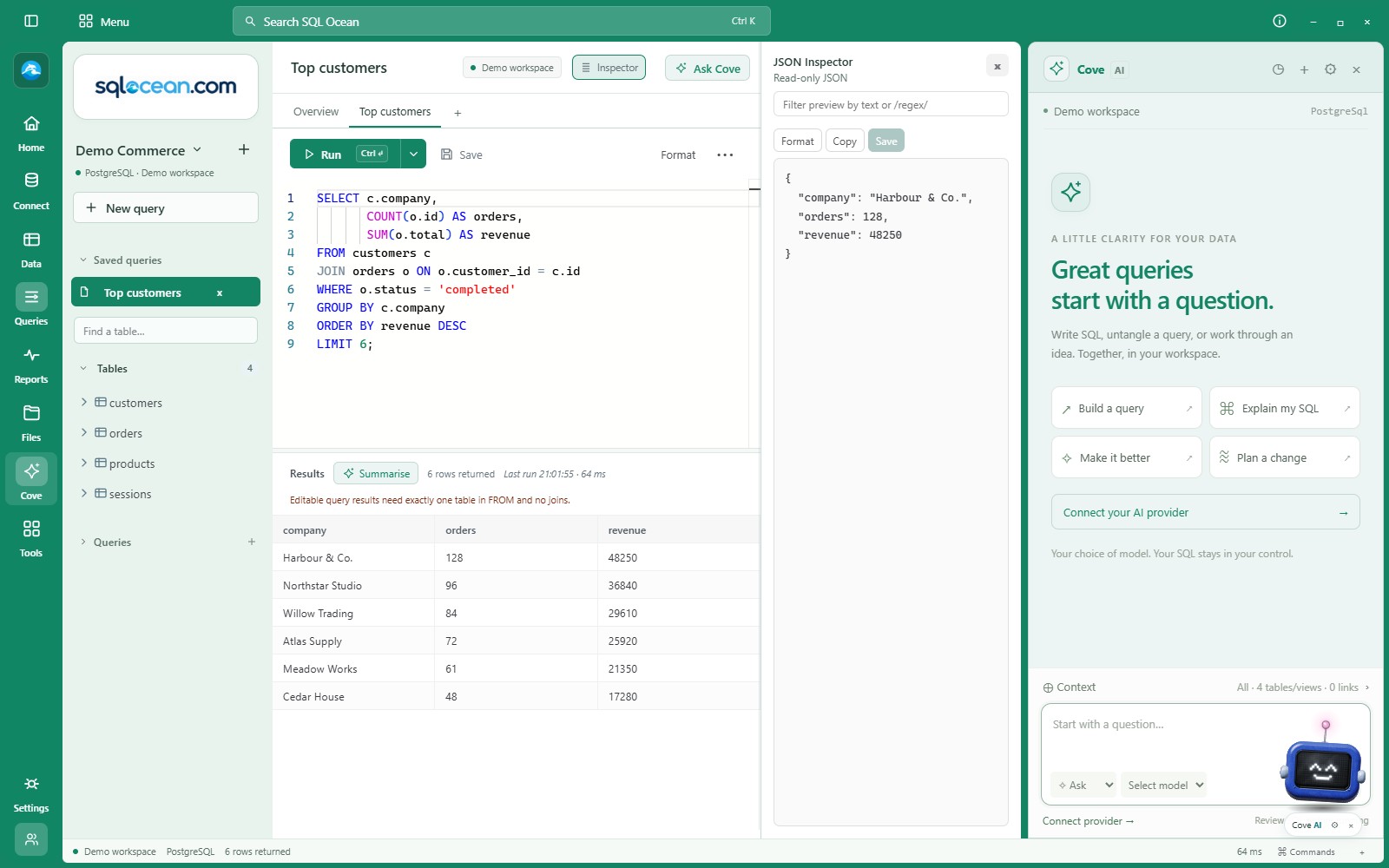
Cove is the new name for Ocean AI. The assistant has its own panel at the far right, while the JSON Inspector stays beside the results. Open, resize and close each panel independently.
 View full size ↗
03 / FIND THE NEXT ACTION
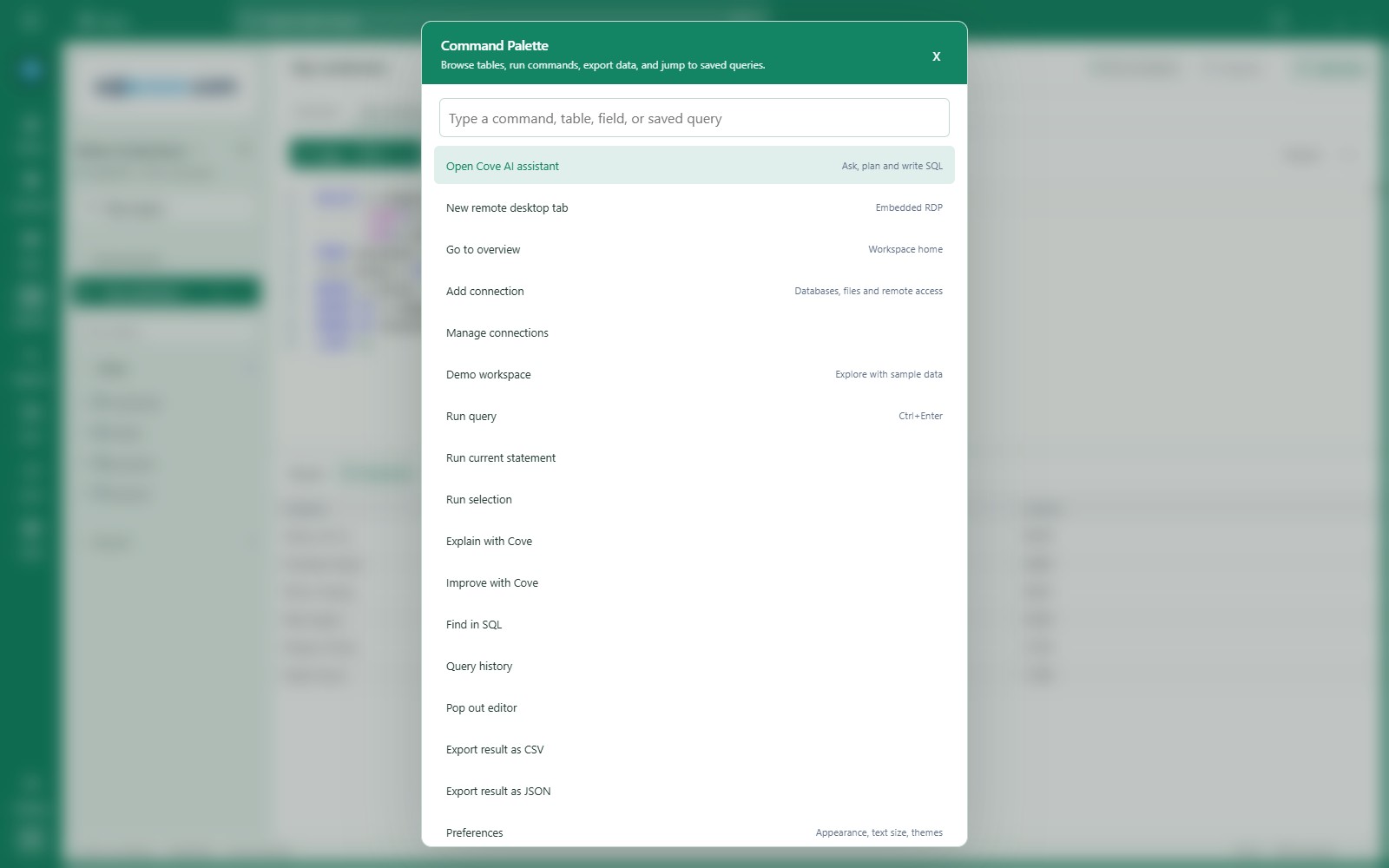
Use the search bar or Ctrl+K to find commands, tables and saved queries. Grouped menus keep the full toolkit available without crowding the editor.
 View full size ↗
04 / MAKE YOURSELF AT HOME
Choose a theme or set a custom colour for each connection. Dialogs, menus and connection screens follow the workspace palette. Add a photo theme, adjust text sizing, or personalise the optional Cove helper.
 View full size ↗
The redesign is in the current development build. Public downloads are coming soon.
Explore all features