
THE SQL WORKSPACE FOR CURIOUS MINDS
Your SQL workspace.
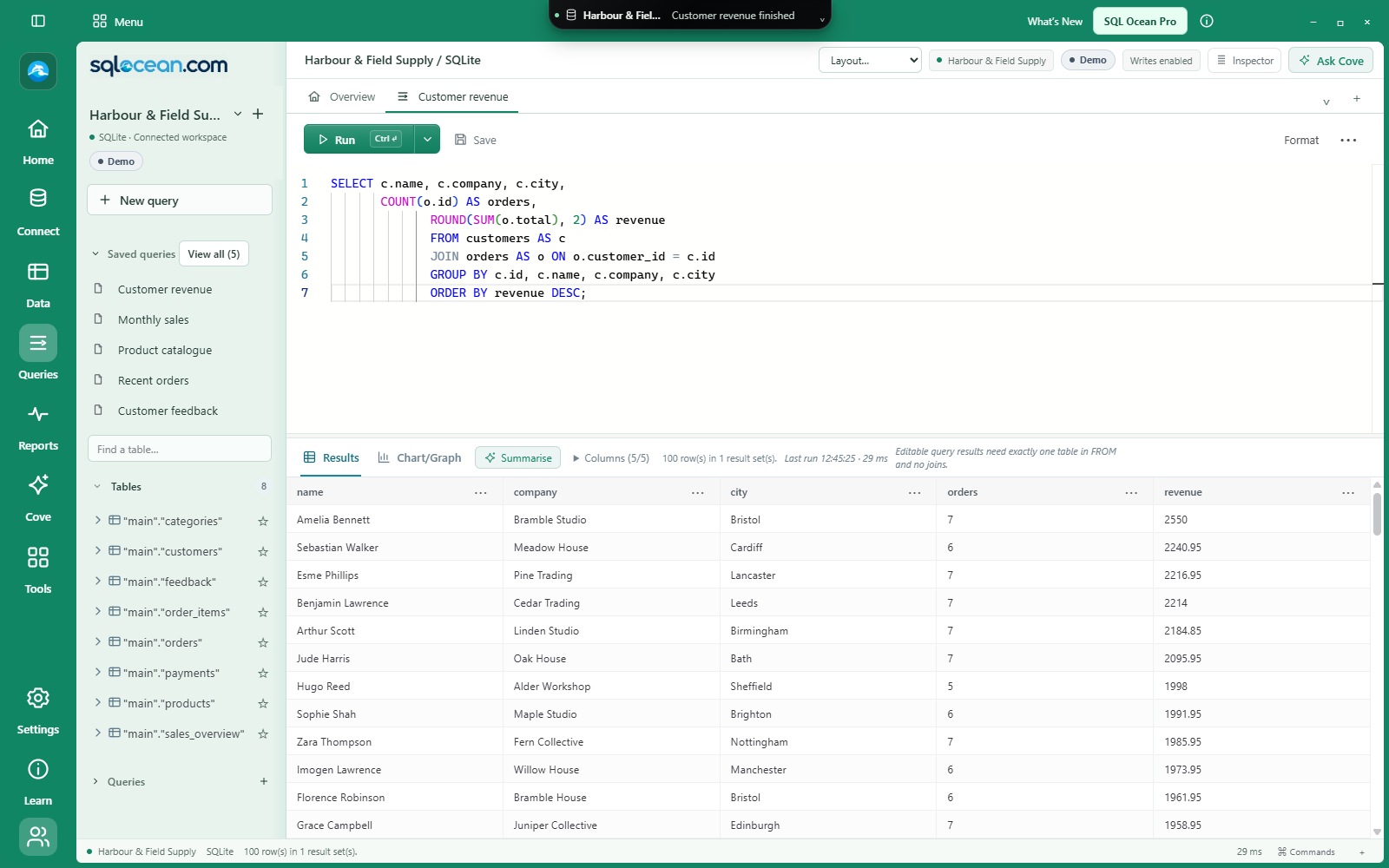
Write SQL, chart your results and explore related records.
Cove brings your choice of AI model into your database workspace.
Always free! Get Pro for 40 days included Coming soon.


 PostgreSQL
 MySQL
MySQL SQL Server
 SQLite
 MongoDB
Make yourself at home
One workspace.
A world to explore.
From the query you run every morning to the connection you haven’t discovered yet. There’s a place for it here.
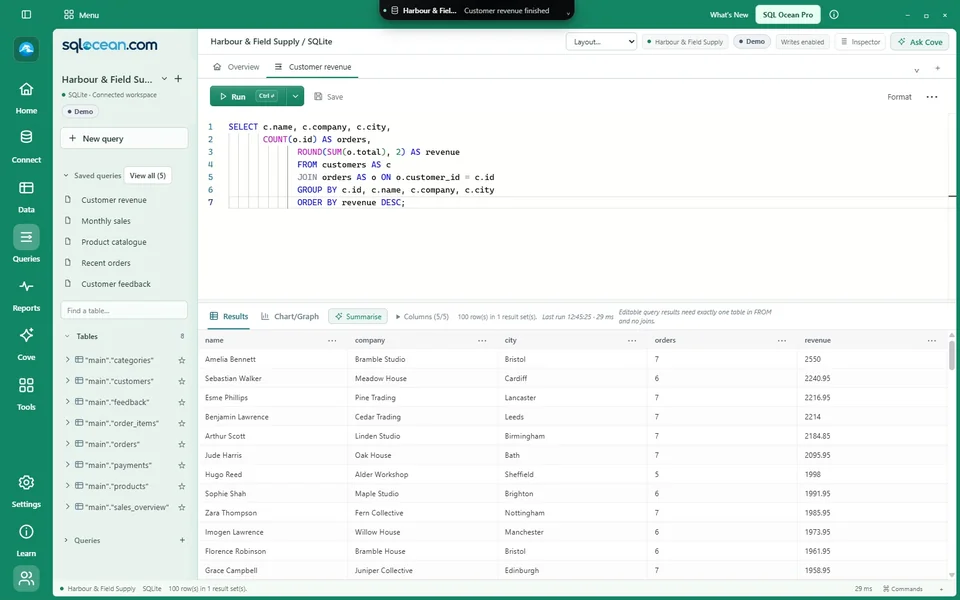 01 / WORKSPACE
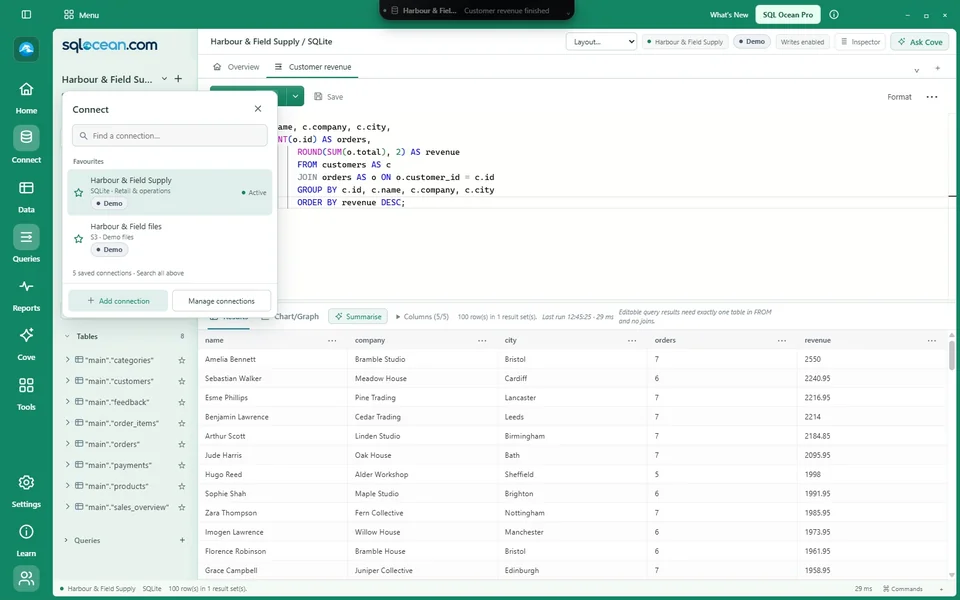
Find your flow.
Queries, results and saved connections. A little less searching. A lot more room to think.
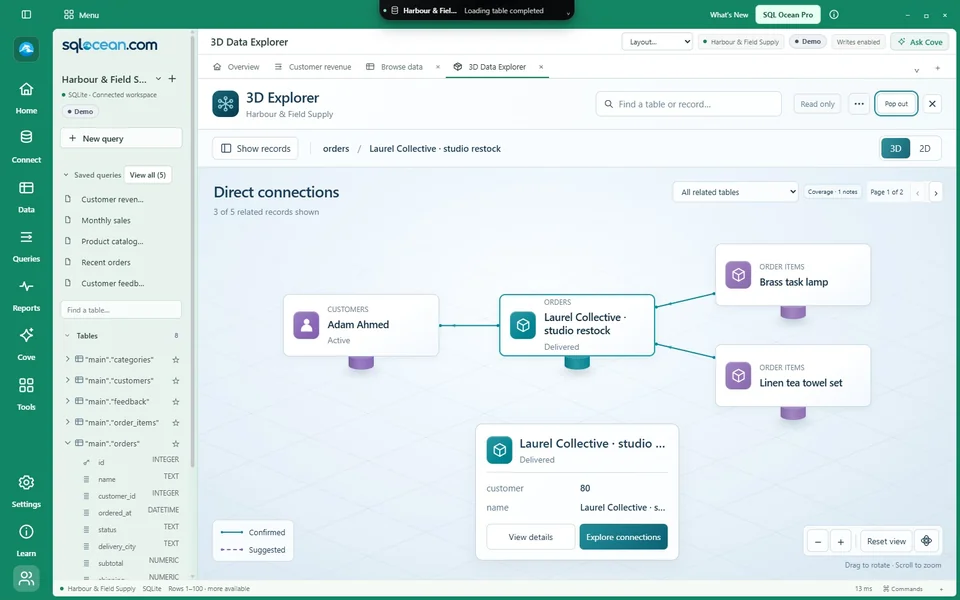 02 / DISCOVERY
Follow the connection.
Step into 3D Data Explorer. Explore records in 3D and see the keys behind each relationship.
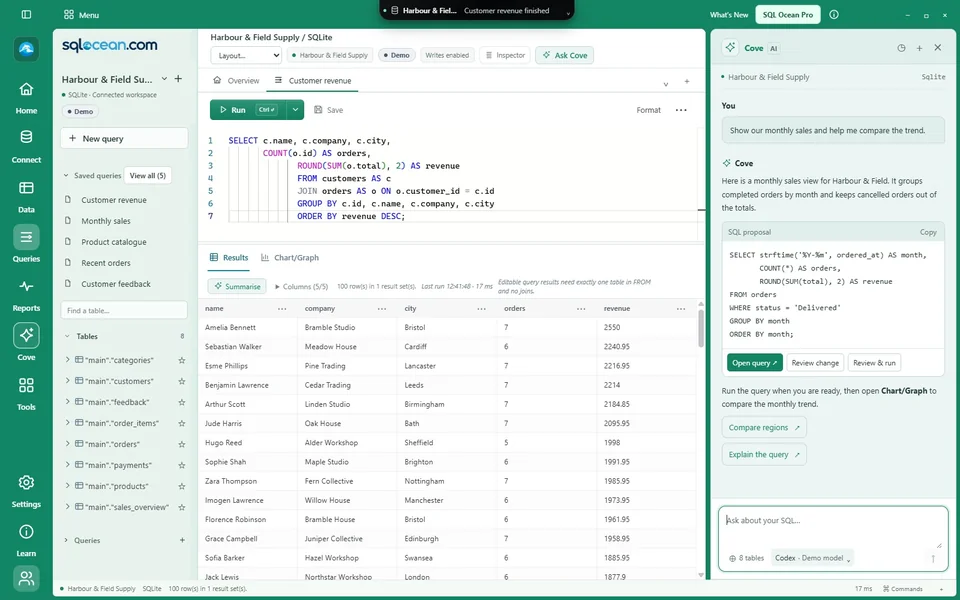 03 / YOUR AI
Cove AI.
Ask, plan and review SQL with the model you choose. Your API key, signed-in Codex CLI or model endpoint.
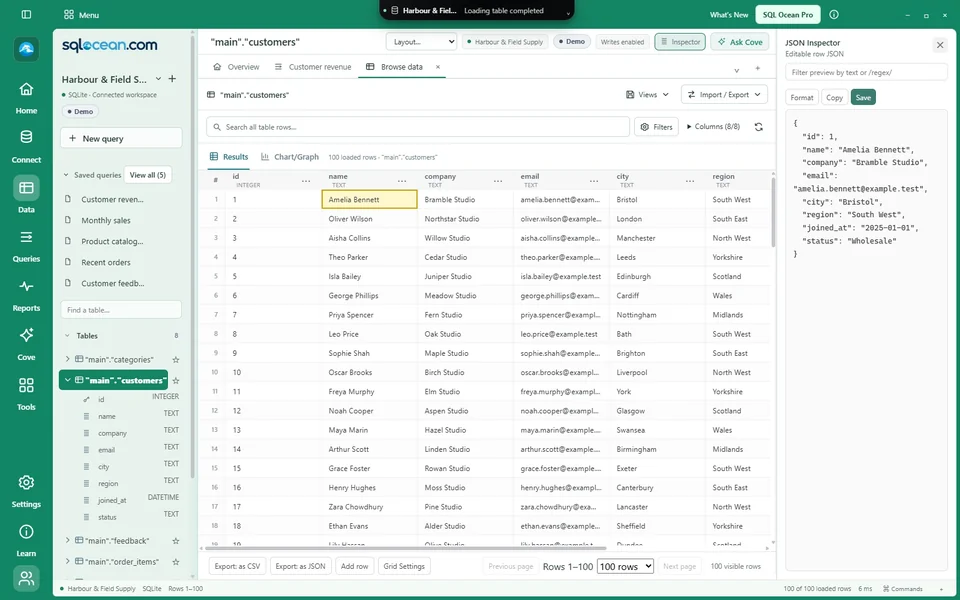 04 / JSON INSPECTOR
JSON Inspector.
See a selected record as structured JSON. Read, filter and copy its values beside your results.
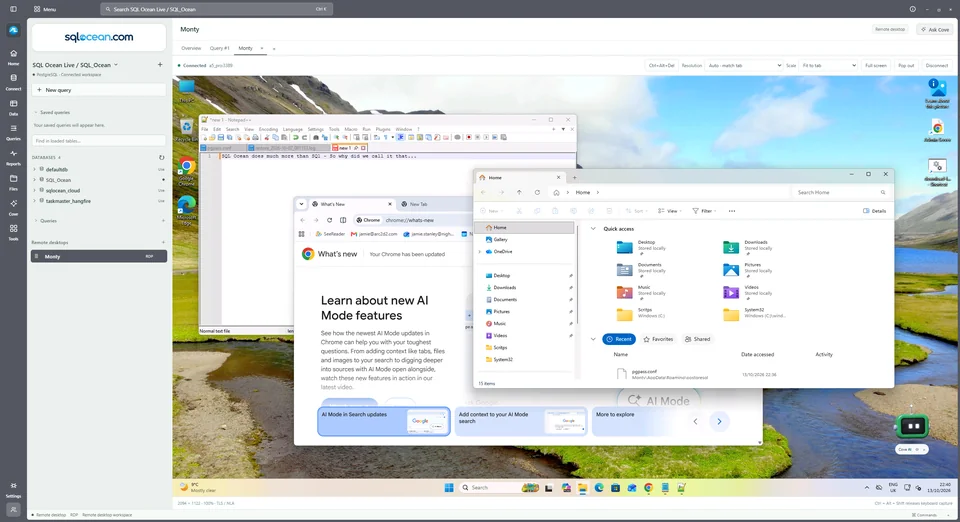 05 / REMOTE DESKTOP
Remote Desktop (RDP).
Open a remote desktop in a tab. Pop it into its own window and dock it back when you’re ready.
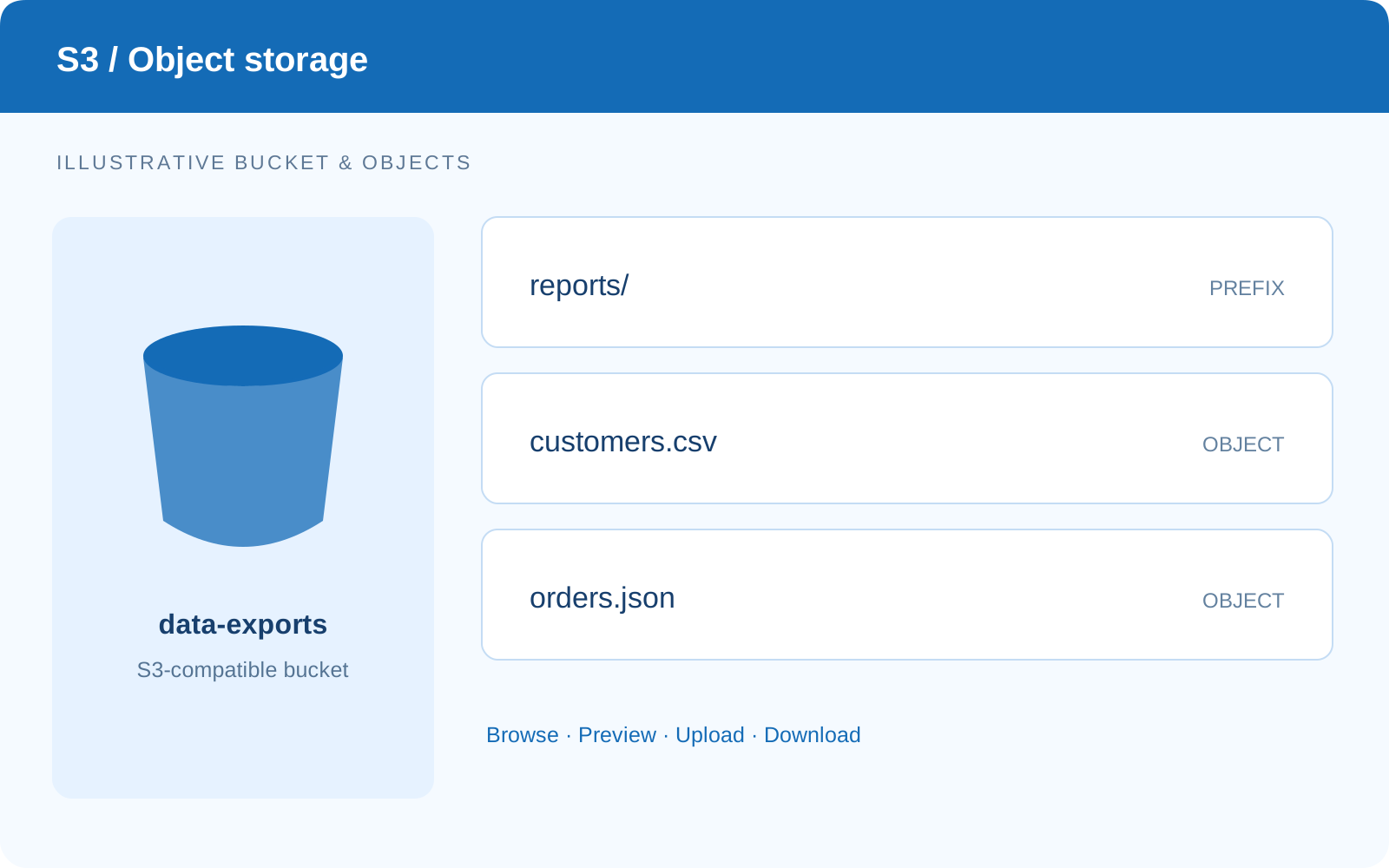 06 / OBJECT STORAGE
S3 object storage.
Browse buckets and prefixes, preview objects, upload and download with S3-compatible storage.
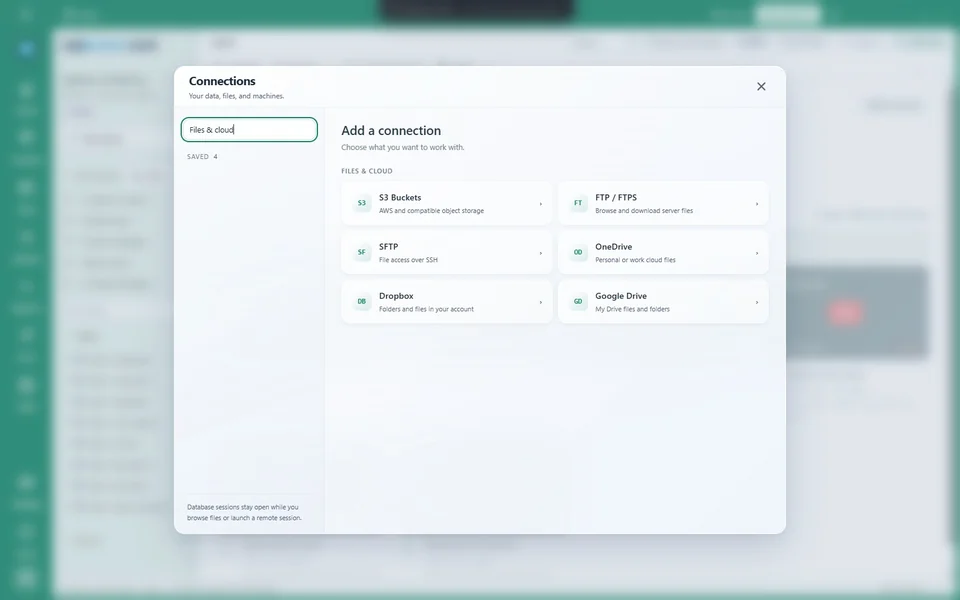 07 / FILES & CLOUD
Keep it all in reach.
Browse remote files and connected cloud drives. Download what you need for the next step.
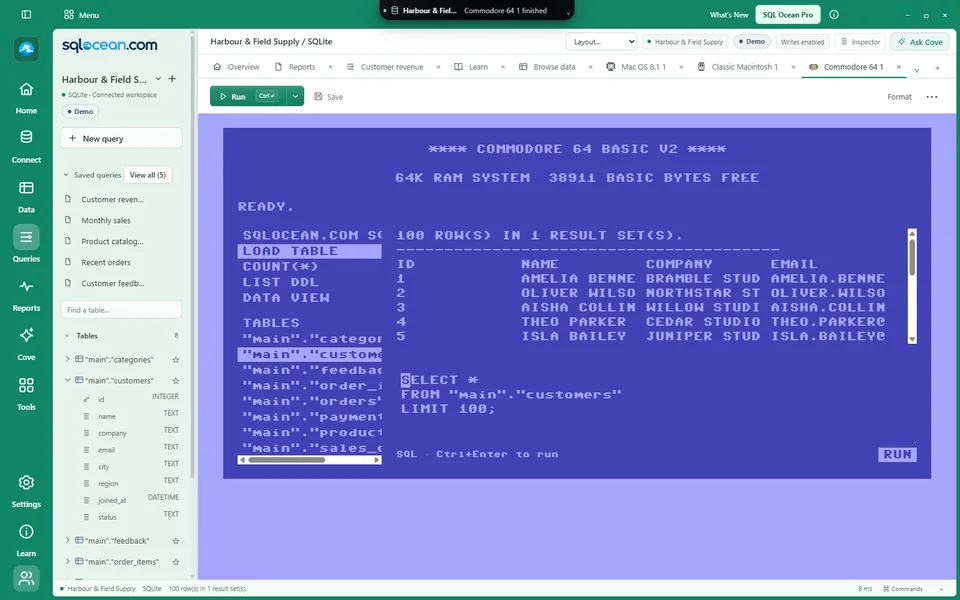 08 / AFTER HOURS
Change the scenery.
Eleven optional experiences. Rediscover your first computer, or take your schema into a 3D maze.
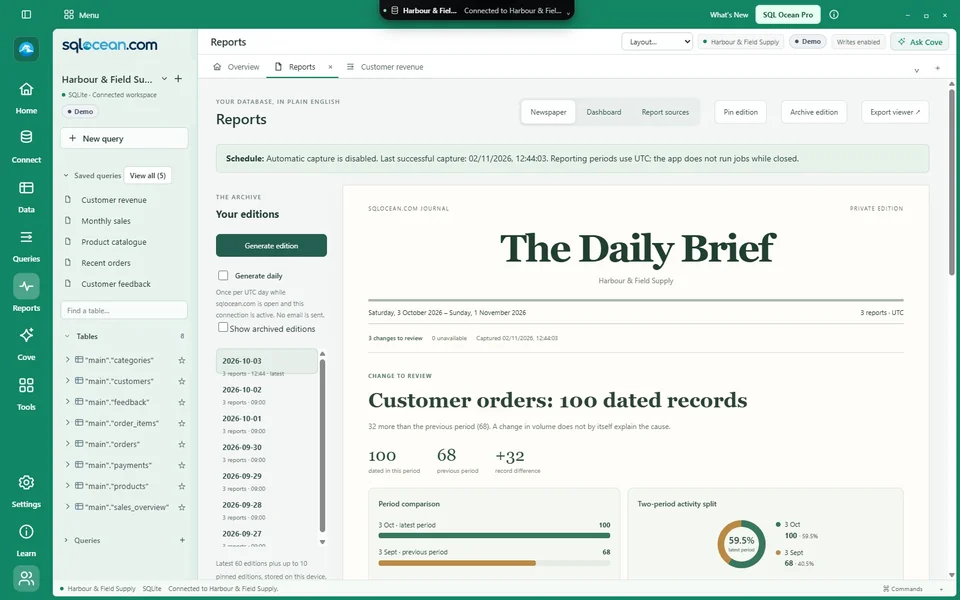
Application captures use the fictional Harbour & Field Supply dataset: 100 named customers, 480 orders and linked products and payments. AI conversations are illustrative. Public downloads are coming soon.
NEW WAYS TO WORK WITH YOUR DATA
Bring it in.
Shape what comes next.
Preview imports, design tables and prepare masked copies. New development features, with real interface screenshots and a review step before you act.
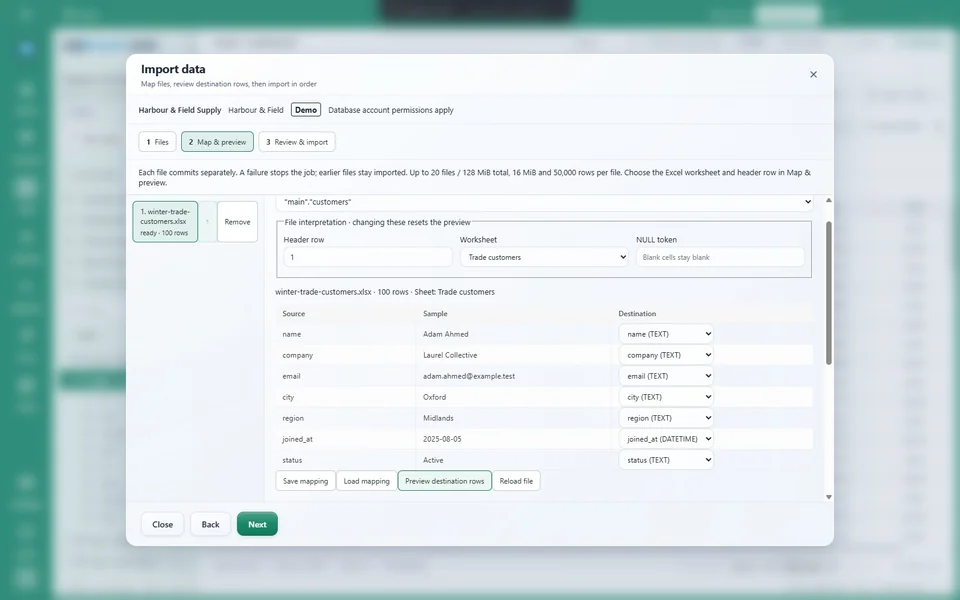
Import with a preview.
Map columns, keep exclusions and bring several files into one job.
Explore the workflow ↗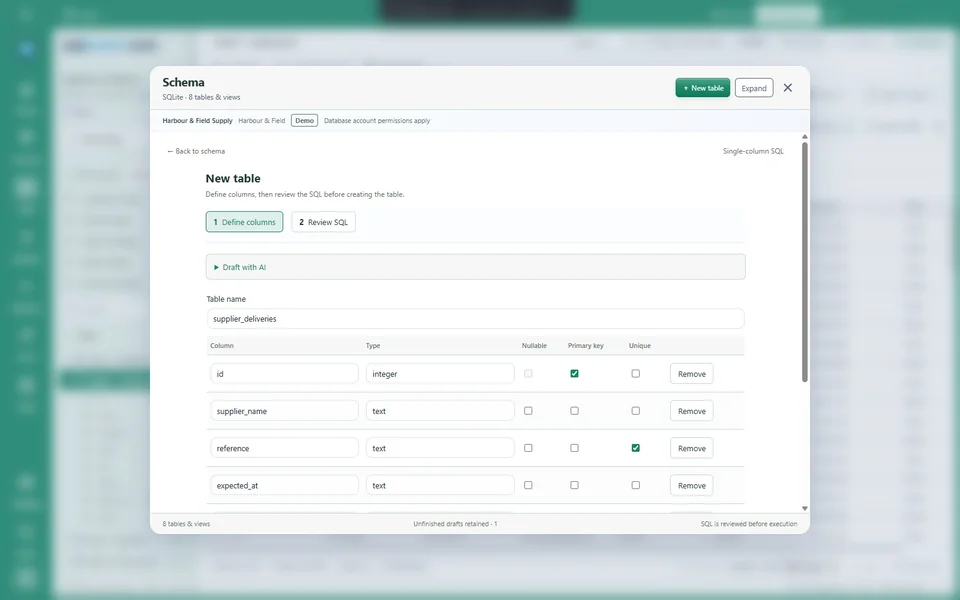
Design the next table.
Start by hand or with AI. Edit the definition and review the SQL.
Explore the workflow ↗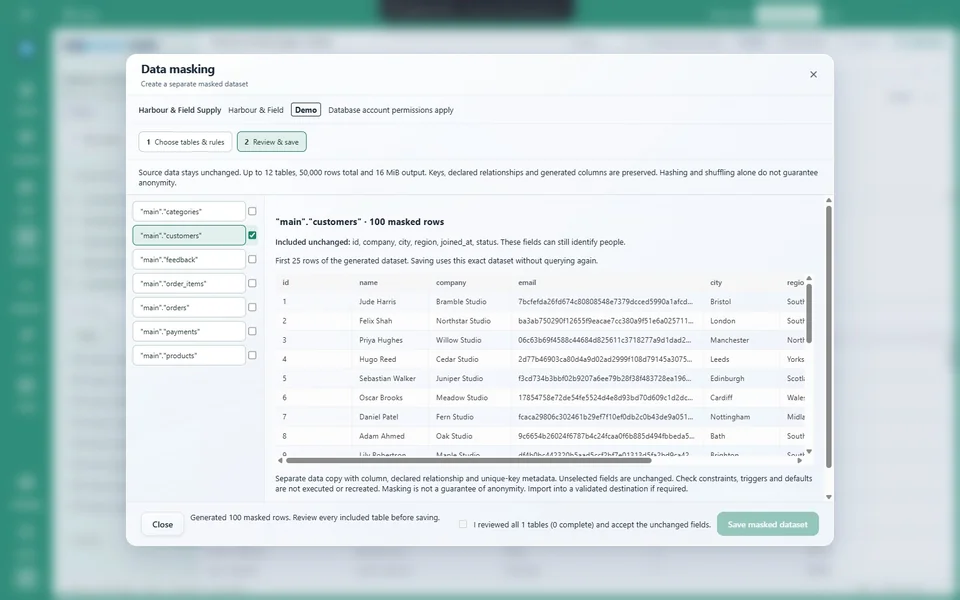
Make a masked copy.
Choose column rules, inspect the result and export a separate dataset.
Explore the workflow ↗Development build · Fictional SQLite records · Optional AI examples use mock proposals
MORE WAYS TO FIND THE ANSWER
From rows.
To something useful.
See a pattern, compare a change or build on what you already know.
Chart the result.
Six chart types, date grouping and calculations. Save the picture as PNG or SVG.
Explore charts ↗Build and compare.
Preview a SELECT query, transform its output and compare result or schema snapshots.
See the workbench ↗Follow the bigger picture.
Newspaper and dashboard editions, with 1-, 7- and 30-day reporting windows.
Discover reports ↗Keep discovering.
A useful first query, a populated sample database and tutorials beside your work.
Start learning ↗02 / BENEATH THE SURFACE
3D DATA EXPLORER — A DIFFERENT PERSPECTIVEYour data
has depth.
A row is only the beginning. Follow the relationships around it. Inspect the keys. Trace a path from one record to the next.
Discover 3D Data Explorer Confirmed links. Clearly labelled suggestions.ILLUSTRATIVE RELATIONSHIP MAP
Start with a record.
Bring its neighbourhood into view.
Understand the link.
See the evidence behind each connection.
Follow your curiosity.
Trace pathways through the loaded graph.
A little help, your way
Big questions.
Meet Cove.
Your SQL assistant, right beside your editor. Ask about a schema, work through a query, or review a proposed change. Bring the model you like. Keep the decisions yours.
 OpenAI
 Claude
 LM Studio
 OllamaCodex
Work can have a playful side
Remember
your first
“hello, world”?
Keep that feeling. Eleven optional experiences bring a little nostalgia and discovery to your day.
Find your favourite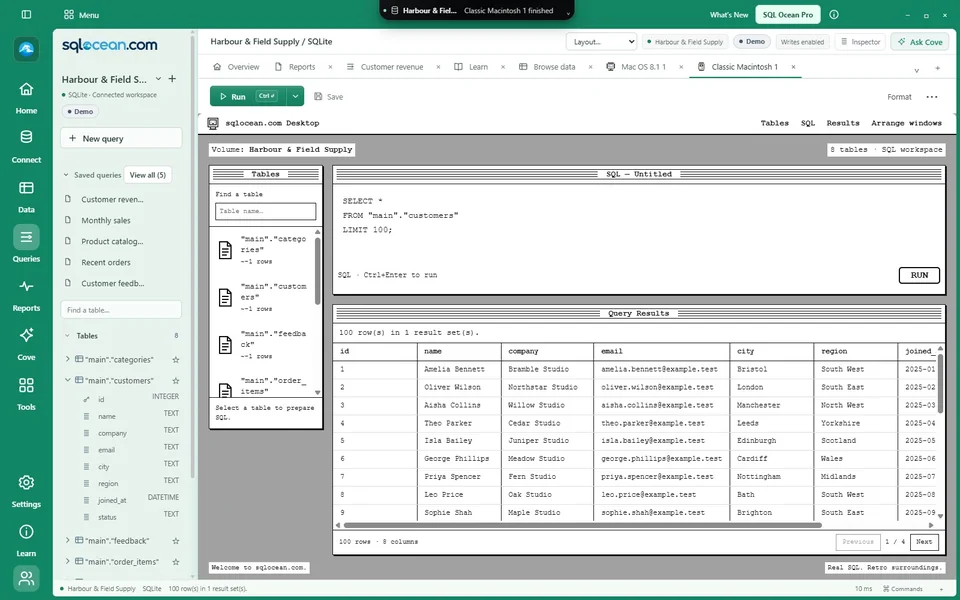
INCLUDED ✦
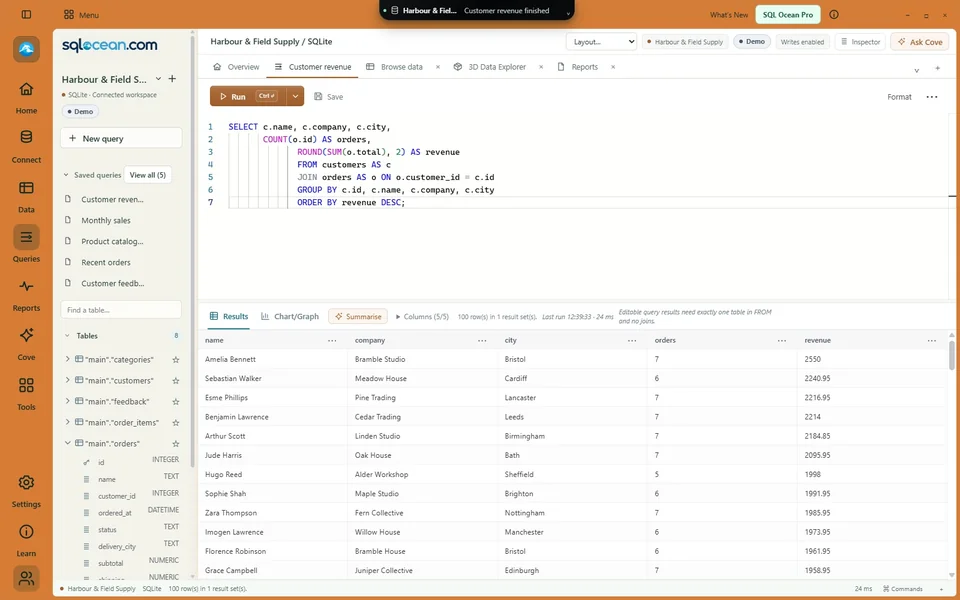
Room to find your flow
Always free!
More with Pro.
Try your queries. Explore the possibilities.
Make yourself at home.
included
Public download coming soon
Optional Pro after 40 included days. Free keeps working.
- All your Free SQL tools, plus Pro features
- 3D Data Explorer 3D exploration
- Cove with your choice of model
- Remote desktops and cloud drives
- Reporting, advanced imports and masking
AI usage and infrastructure charges are separate.
Before you dive in
A little clarity.
Can I download SQL Ocean yet?
The public installer is being prepared. The download page will carry the available packages when the release is ready.
Which databases can I use?
Explore support for PostgreSQL, MySQL, SQL Server, SQLite, MongoDB and more on the databases page. Capabilities and validation status vary by provider.
Is Cove included?
Cove is included with SQL Ocean Pro. Choose an API-key profile, your installed and signed-in Codex CLI, or a model endpoint. Provider usage and account limits are separate. See the options.
Are the screenshots real?
Yes. They show the application’s development interface with fictional demo data. The animated relationship illustration on this page is a visual introduction, not a live database.
Can I just use the normal SQL editor?
Of course. The modern workspace is there for everyday work. All eleven Fun experiences are optional.