Keep your choices.
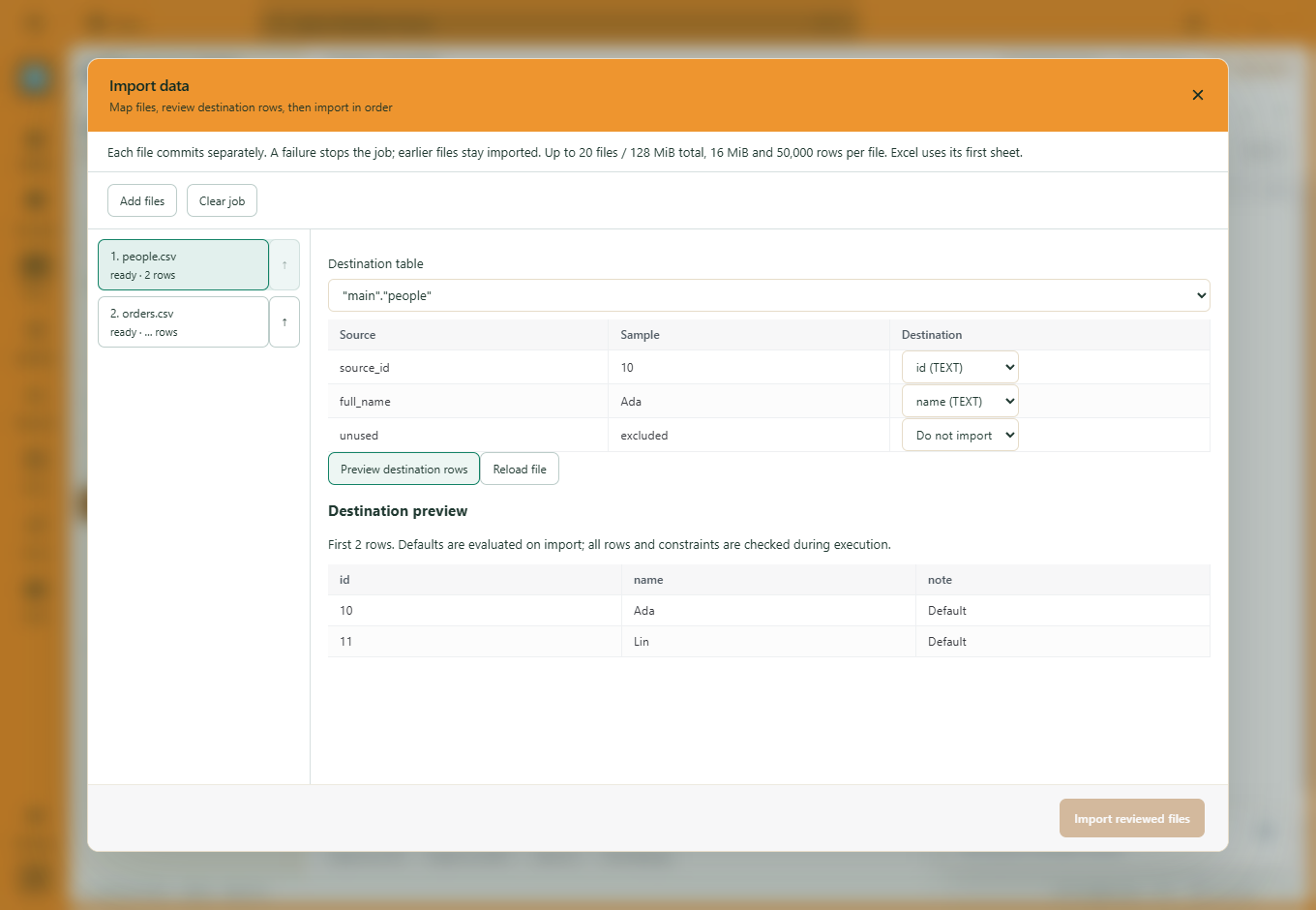
Manual mappings and deliberate exclusions survive previews and file reloads. Choosing a different destination table starts a new set of suggestions.

DATA IMPORT / MAP. PREVIEW. IMPORT.
Bring several files into one import job. Choose where each column goes, see the rows that will land, and import in the order you choose.
New in the development build · Public download coming soon
 View full size ↗
YOUR MAPPINGS, KEPT
Use Ctrl+K → Import data → Add files. Select a destination for each file, map its fields and choose Do not import for columns you want to leave out.
Manual mappings and deliberate exclusions survive previews and file reloads. Choosing a different destination table starts a new set of suggestions.
Preview the first 25 mapped and converted rows, with validation messages and placeholders for generated or default values.
If a source file changes after preview, reload it and review again before importing. Your mappings are retained.
SEVERAL FILES. ONE WORKSPACE.
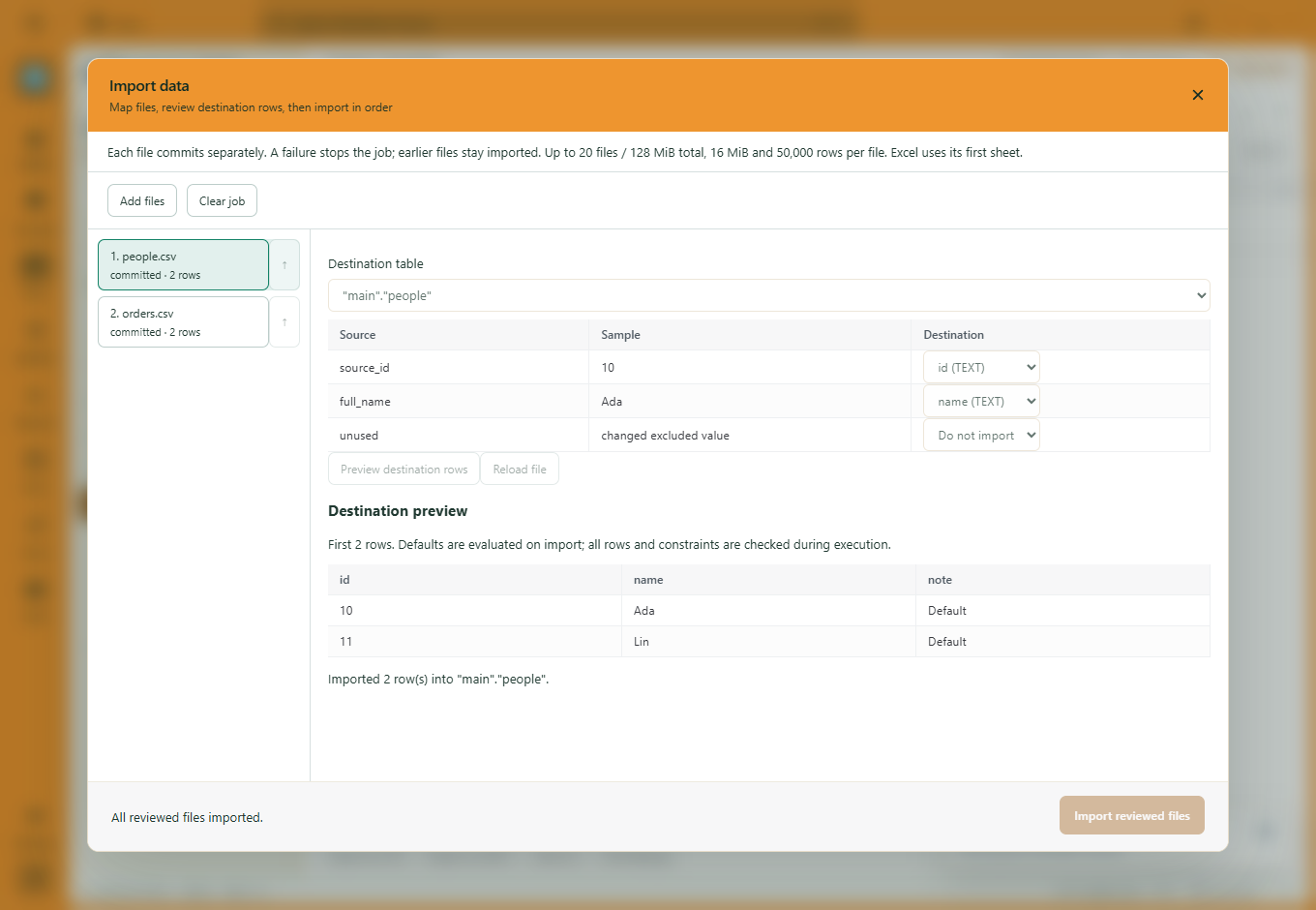
Add and reorder CSV, TSV or Excel files, with separate destinations and mappings. Review each preview, then choose Import reviewed files.
 View full size ↗
Each file has its own transaction. A failure stops later files; earlier completed files remain imported. If an outcome is uncertain, inspect the destination before retrying.
BEFORE YOU IMPORT
CSV, TSV, XLSX and XLS, using the first sheet of an Excel workbook. Import supports PostgreSQL, MySQL, SQL Server and SQLite. MySQL requires InnoDB for transaction guarantees. The screenshots show disposable SQLite; remote database validation is separate.
Up to 20 files and 128 MiB combined, with a 16 MiB file/decoded-body limit. Each file supports up to 50,000 rows, 256 columns and 1,000,000 cells.
It shows mapped values and conversions. Defaults, triggers and database constraints take effect during import. Every row is validated at execution, and the destination engine’s storage rules still apply.
Import jobs and their previews are session-only. They are not saved as resumable background jobs.
45 days to explore. £5/month after your trial. Public downloads are being prepared.
Download trialMORE WAYS TO WORK
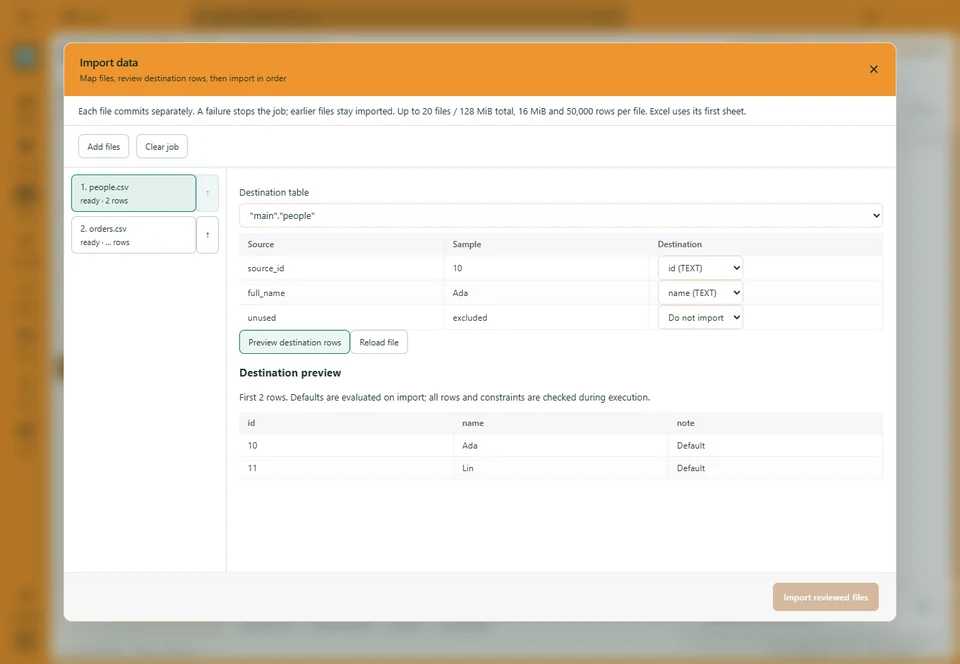
Map columns, keep exclusions and bring several files into one job.
Explore the workflow ↗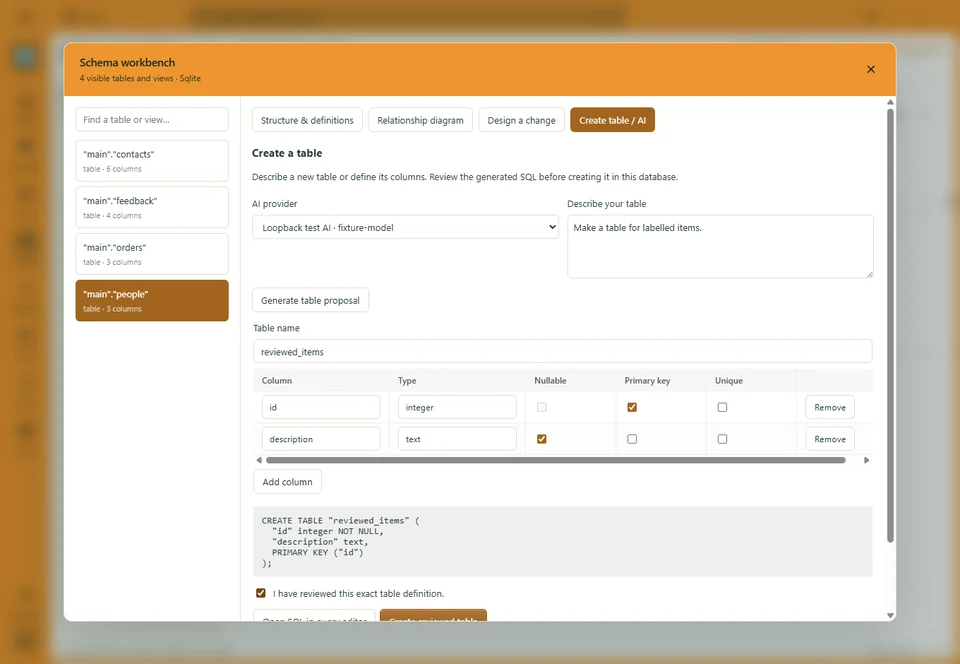
Start by hand or with AI. Edit the definition and review the SQL.
Explore the workflow ↗
Choose column rules, inspect the result and export a separate dataset.
Explore the workflow ↗