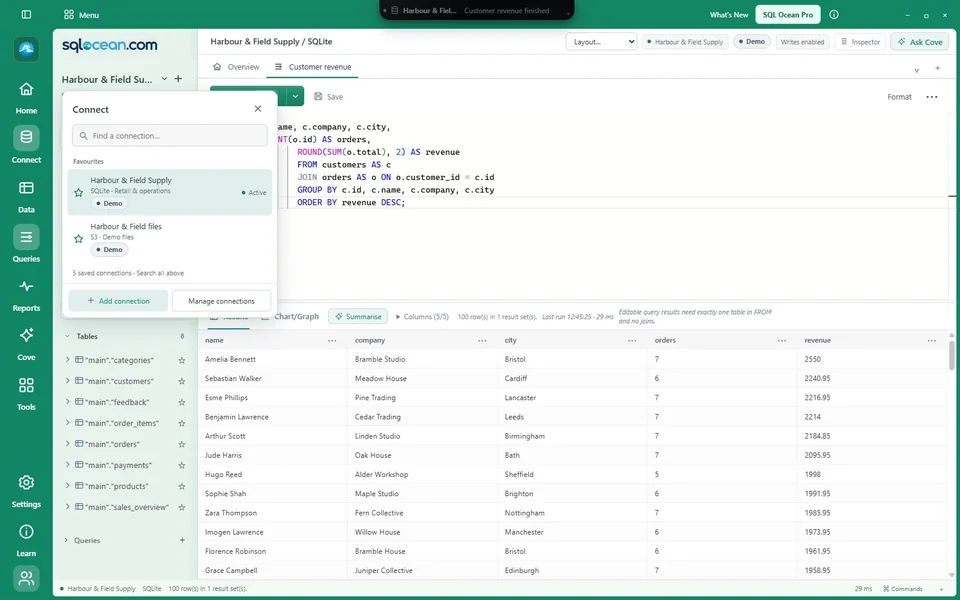
01 · Choose a connection
Open Connect to use a saved profile or add a database. You can also open the fictional SQLite example below without using business data.

LEARN / A GOOD PLACE TO START
Get your bearings, try a useful query and follow the data into a chart or a connected record. Learn stays beside your work.
Current development features · Public download coming soon
YOUR FIRST FEW MINUTES
Free opens without a paid key. New Windows users receive an automatic 40-day Pro trial; no email or activation code is needed for that local trial.
Open Connect to use a saved profile or add a database. You can also open the fictional SQLite example below without using business data.
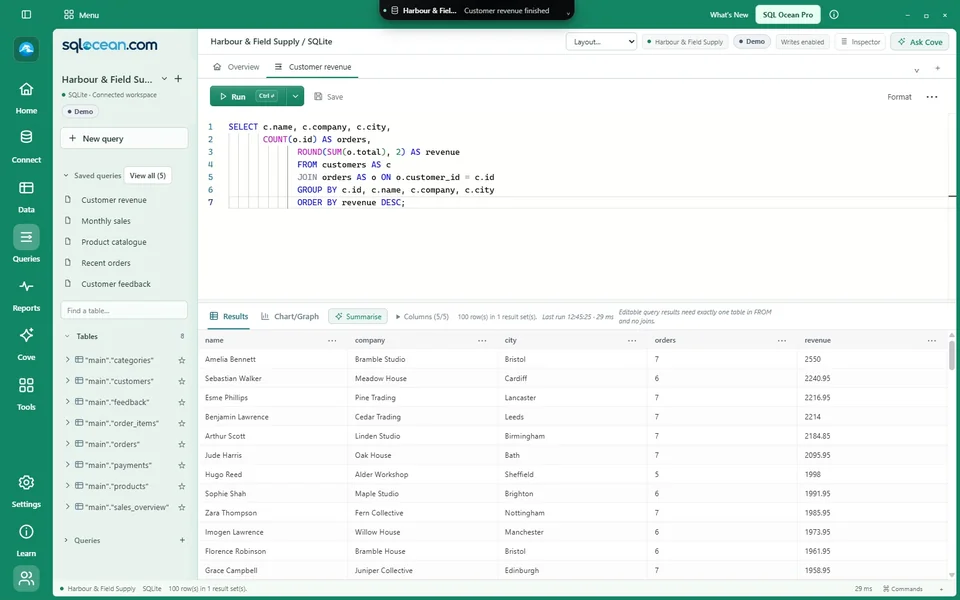
Open a table, explore filters and save a useful view. Create a query tab, choose columns and run SQL when you are ready.
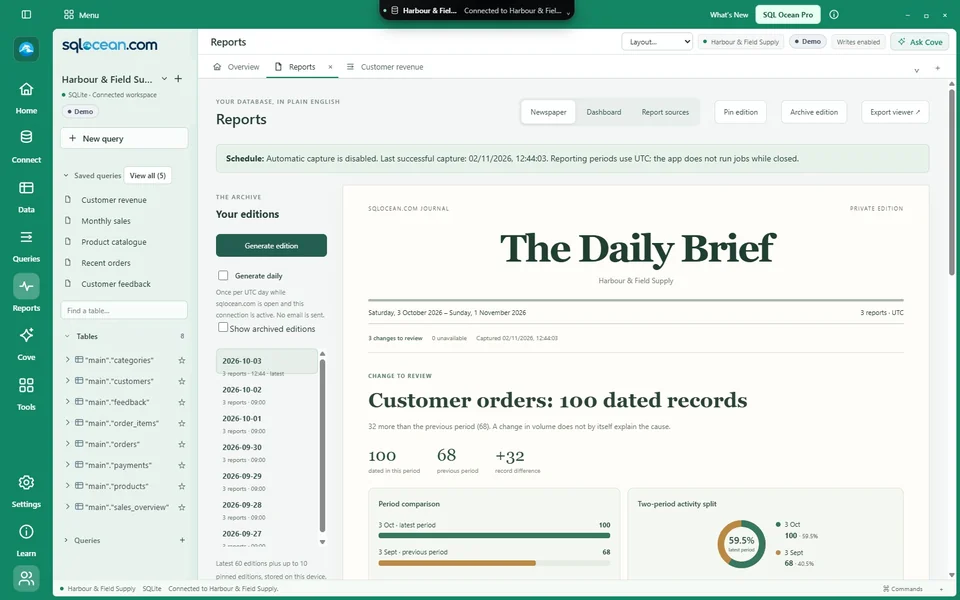
Switch to Chart/Graph, inspect a record or ask Cove about selected context. Review proposed changes before applying them.
MEET HARBOUR & FIELD SUPPLY
Our fictional home-and-office supplier has named customers, recognisable products and linked orders, line items and payments across several months.
Which cities return most often? Which product categories are growing? How does an order connect to its customer and payment? The dataset behind these screenshots gives you something meaningful to investigate.
Download the sample SQLite database ↗Fictional records only · Open as a SQLite connection · Independent of the app installer
TRY A FIRST QUERY
SELECT city, COUNT(*) AS customers
FROM customers
GROUP BY city
ORDER BY customers DESC;
WATCH. TRY. RETURN TO YOUR QUERY.
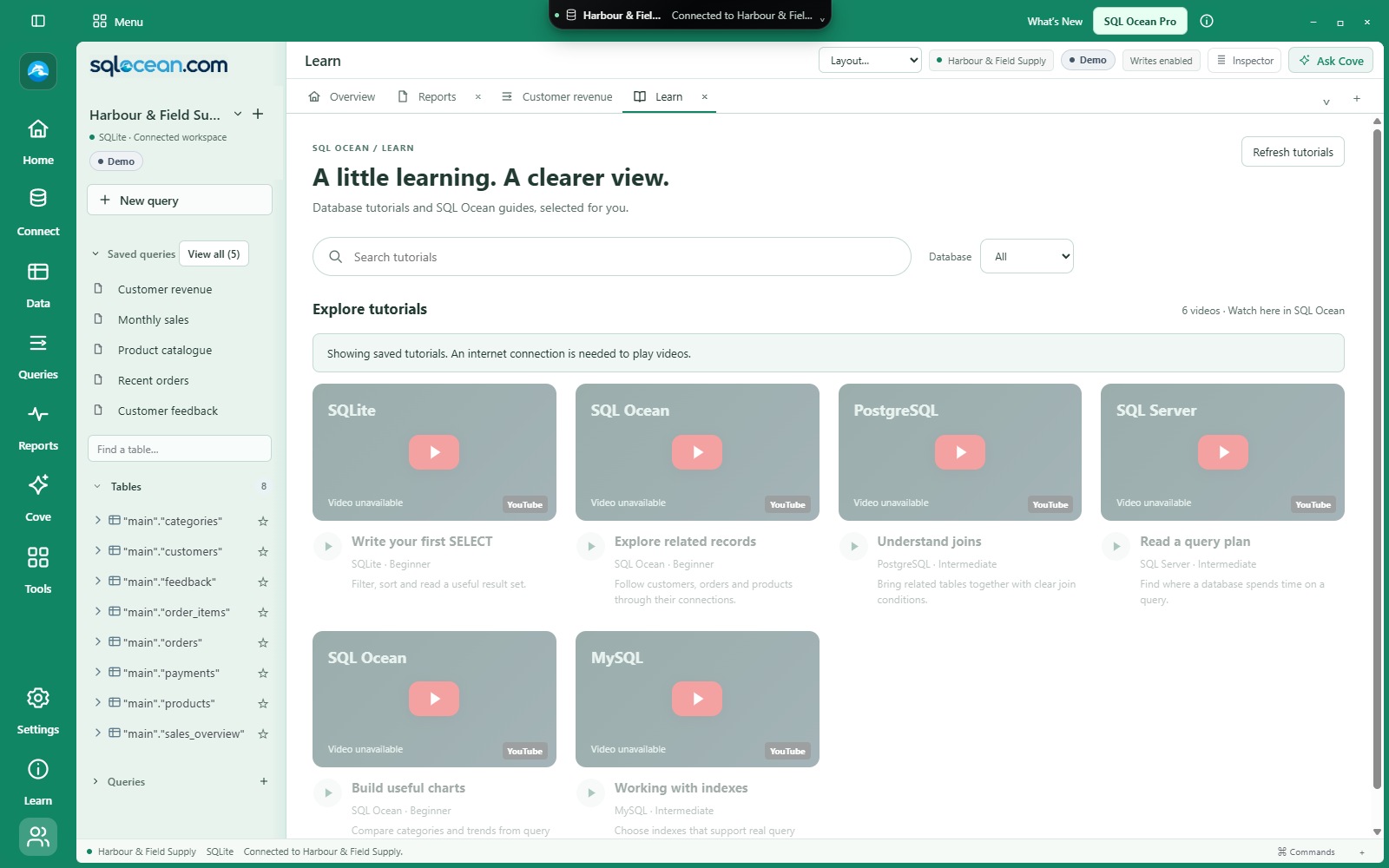
Open Learn in the app to browse tutorials when a catalogue is available. Search by topic or filter by database, then open a video in a dedicated workspace tab.
 View full size ↗
Play supported YouTube videos inside SQL Ocean and return to your query without losing your place.
If a creator blocks embedded playback, use the optional YouTube fallback. Internet access is required to play videos.
Available tutorials depend on the published catalogue. Saved catalogue entries can remain visible while offline; video playback still needs a connection.
A FEW USEFUL KEYS
Commands remain available from the app menu as well as the keyboard.
Ctrl + KFind commands, tables and saved queries
Ctrl + EnterRun the active query
F1Open and focus Cove
F2Inspect the selected supported record in 3D
F12Open a SQL object’s definition
Free for everyday SQL. 40 days of Pro included automatically for new Windows users. Optional Pro is £7.50/month.
Check download availability ↗KEEP EXPLORING